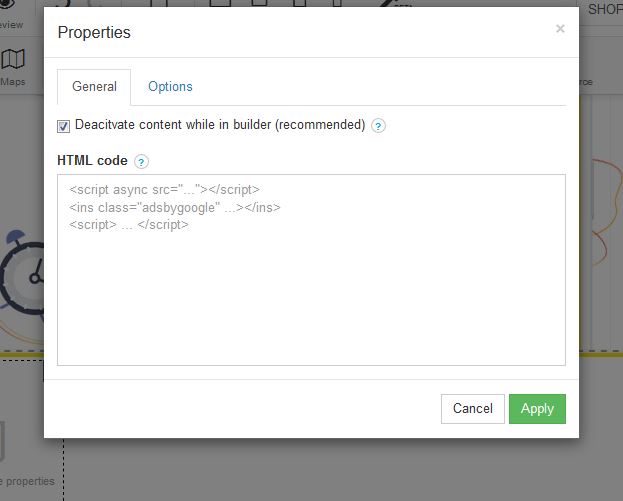
Google AdSense is a program run by Google that allows publishers in the Google Network of content sites to serve automatic text, image, video, or interactive media advertisements, that are targeted to site content and audience. These advertisements are administered, sorted, and maintained by Google. They can generate revenue on either a per-click or per-impression basis. In order to sign up for google adsense visit: https://www.google.com/adsense/signup/
STEP 1:
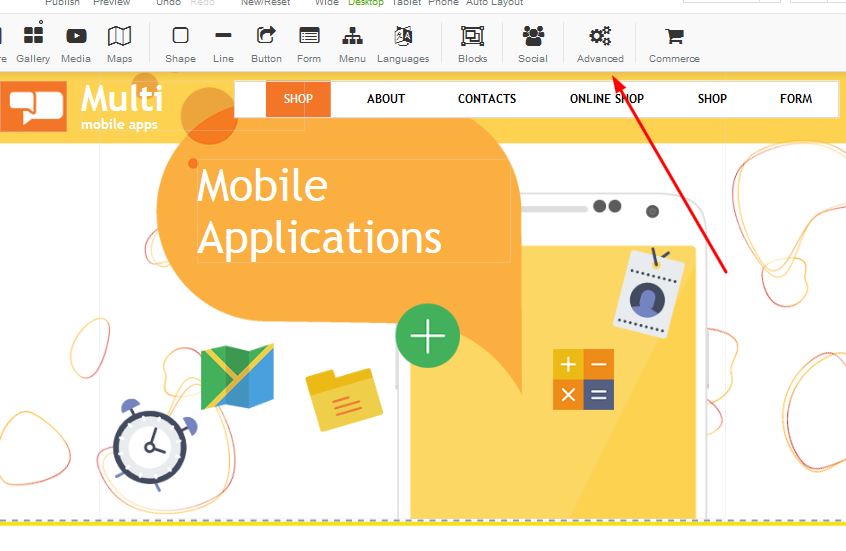
In order to add adsense to your website, you need to click on the advanced button:
STEP 2:
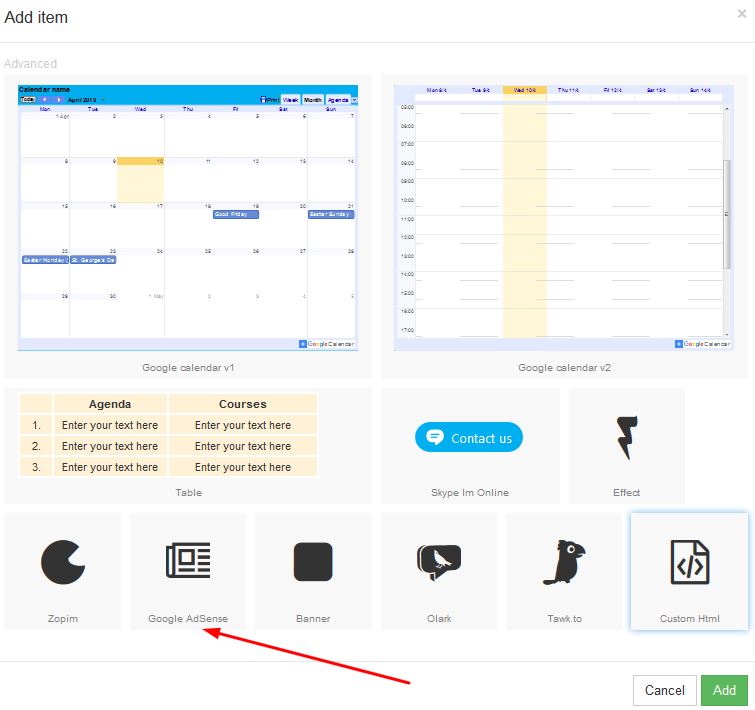
Click on the Google Adsense icon in order to apply to your page:
STEP 3:
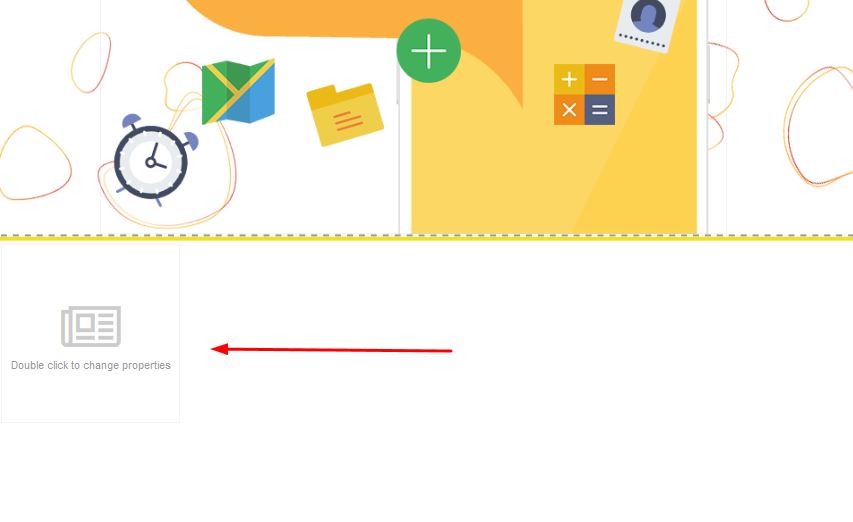
Once the block appears on your page, you will be able to move this around as per your requirements:
STEP 4:
In order to open your Adsense block, double click and select properties. Once the properties box appears, add our google adsense HTML Code which Google Adsense wiill provide you with upon sign up: